Screenshots that look shipped.
ScreenDesk is a browser tool that puts your screenshots and screen recordings inside true-to-life device frames, and exports them as a PNG or an MP4 at the exact size you need.
Free to use, with a free account. Everything, including MP4 export, is $5 once, not a subscription.
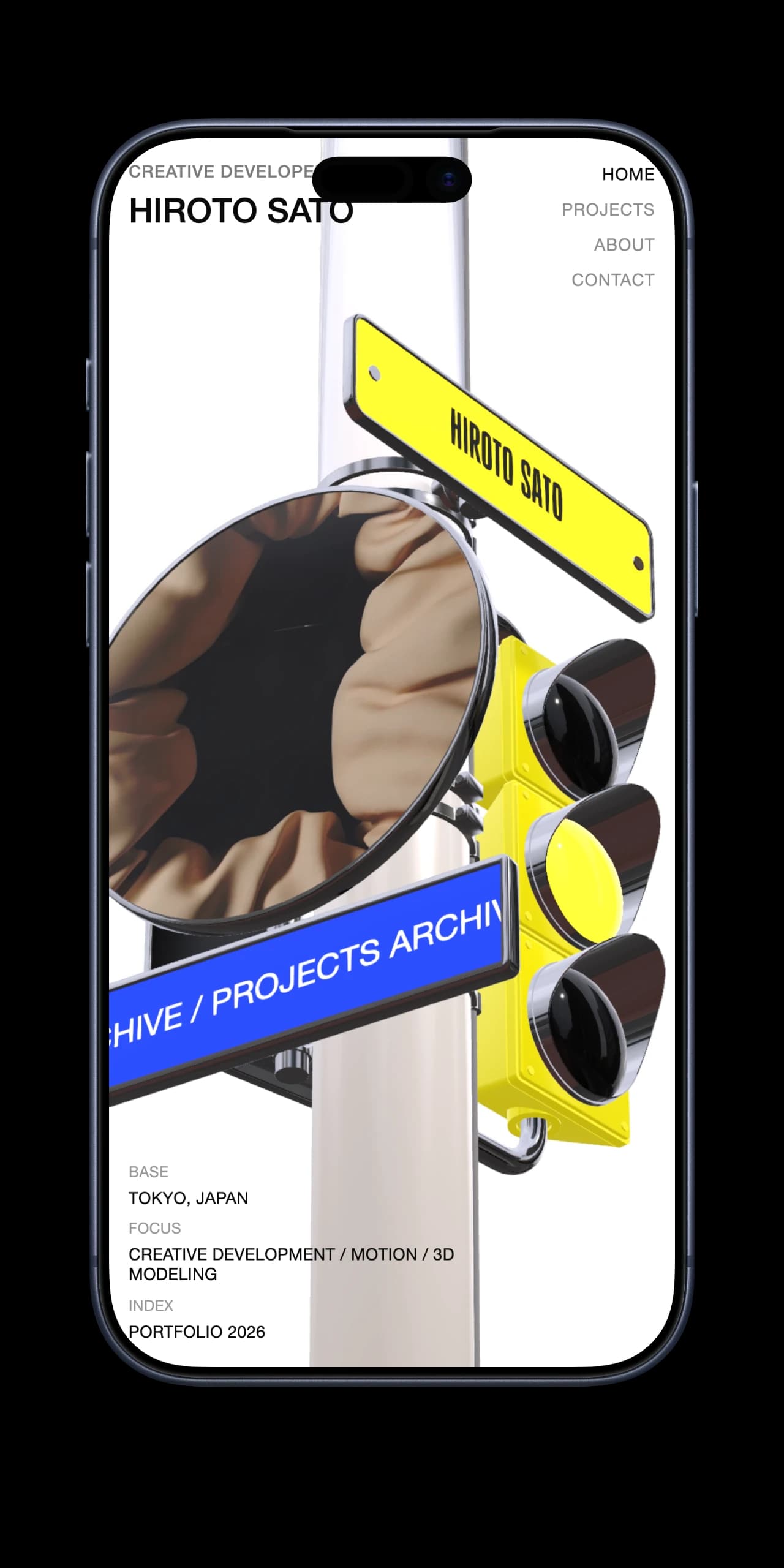
It starts with a file you already have.
Drop it, paste it, or pick it, and it lands in whatever hardware you chose. On the left, a plain browser screenshot. On the right, what came out.
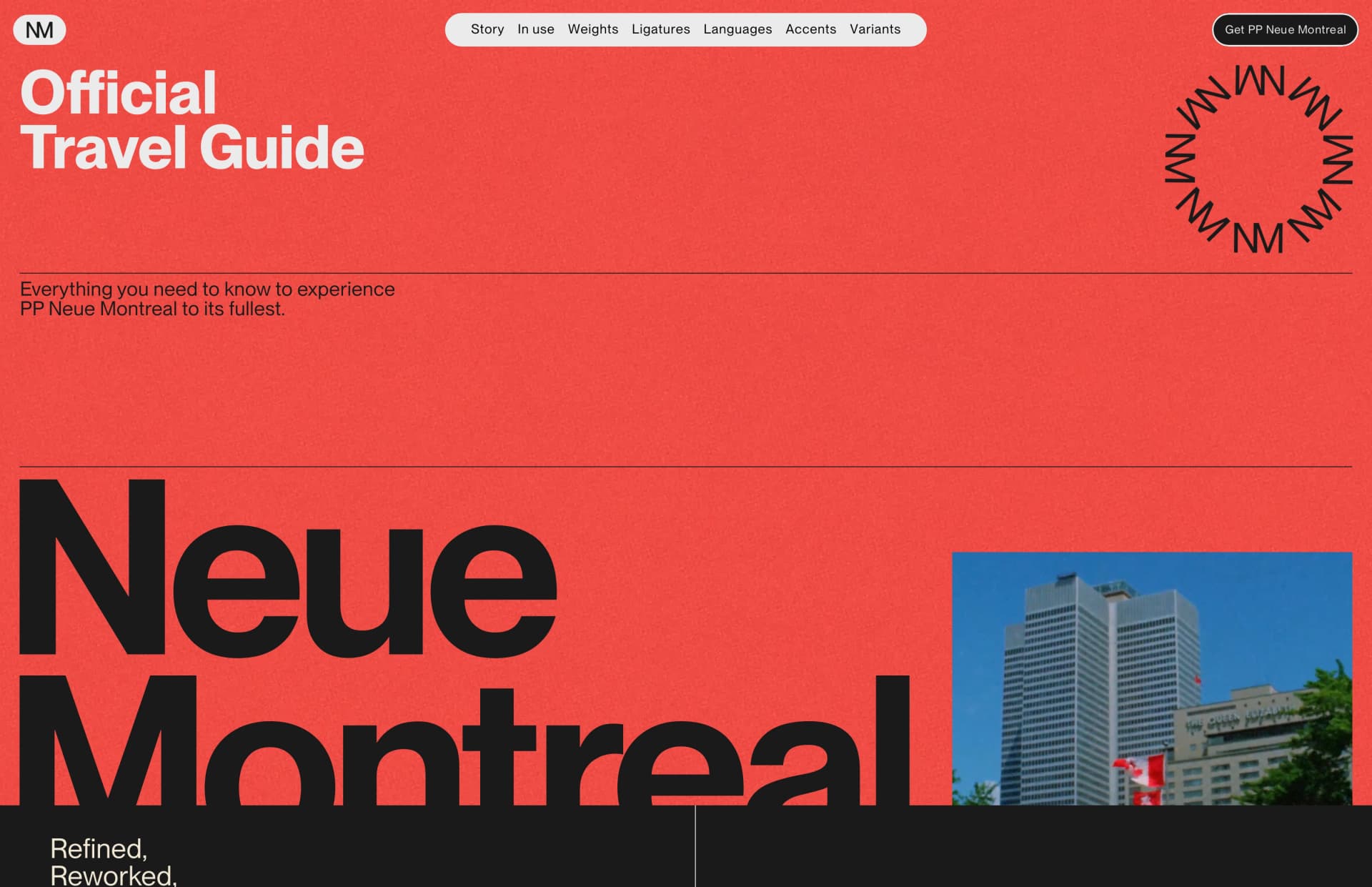
3,360 × 2,172 · PNG
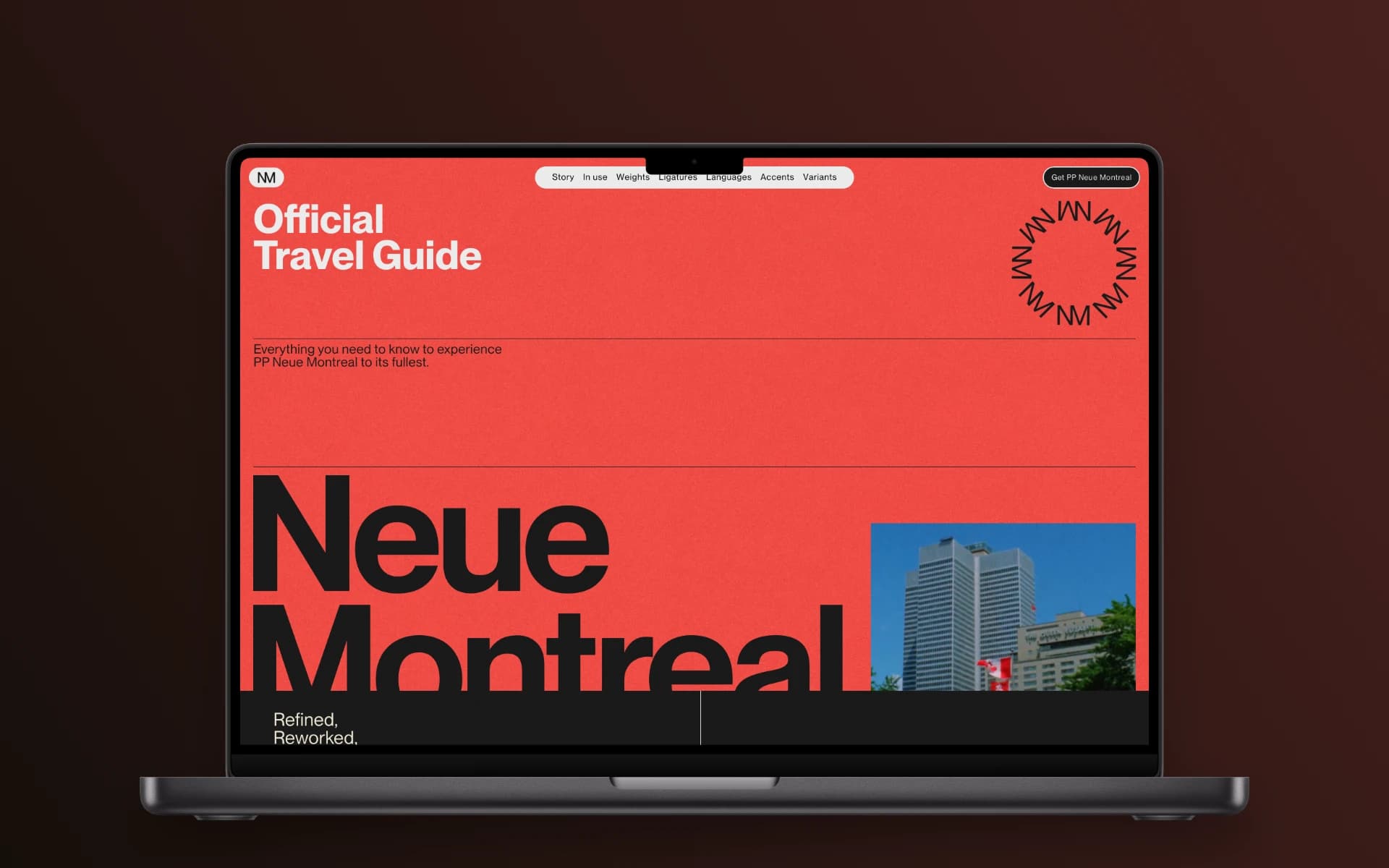
That took one drop and one download.
Free to use. $5 once for everything, including MP4.
Every frame measured, not eyeballed.
Every frame is a true-to-life 1:1 render of the hardware, down to the corner radius of the glass. The screen opening is measured from the artwork itself, so your screenshot lands exactly where the screen is, at the resolution the real device has.
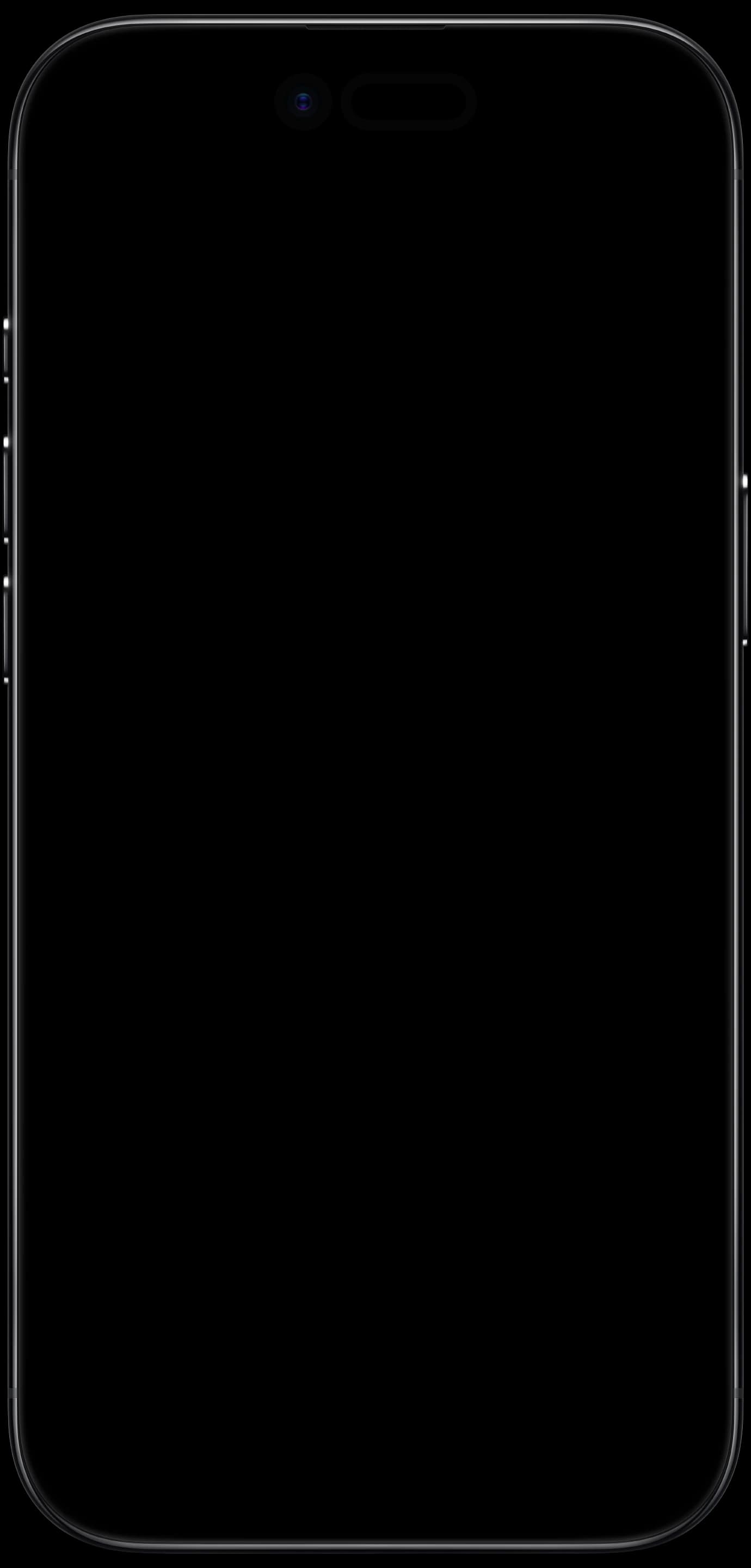
- iPhone 17 Pro Max1,320 × 2,868
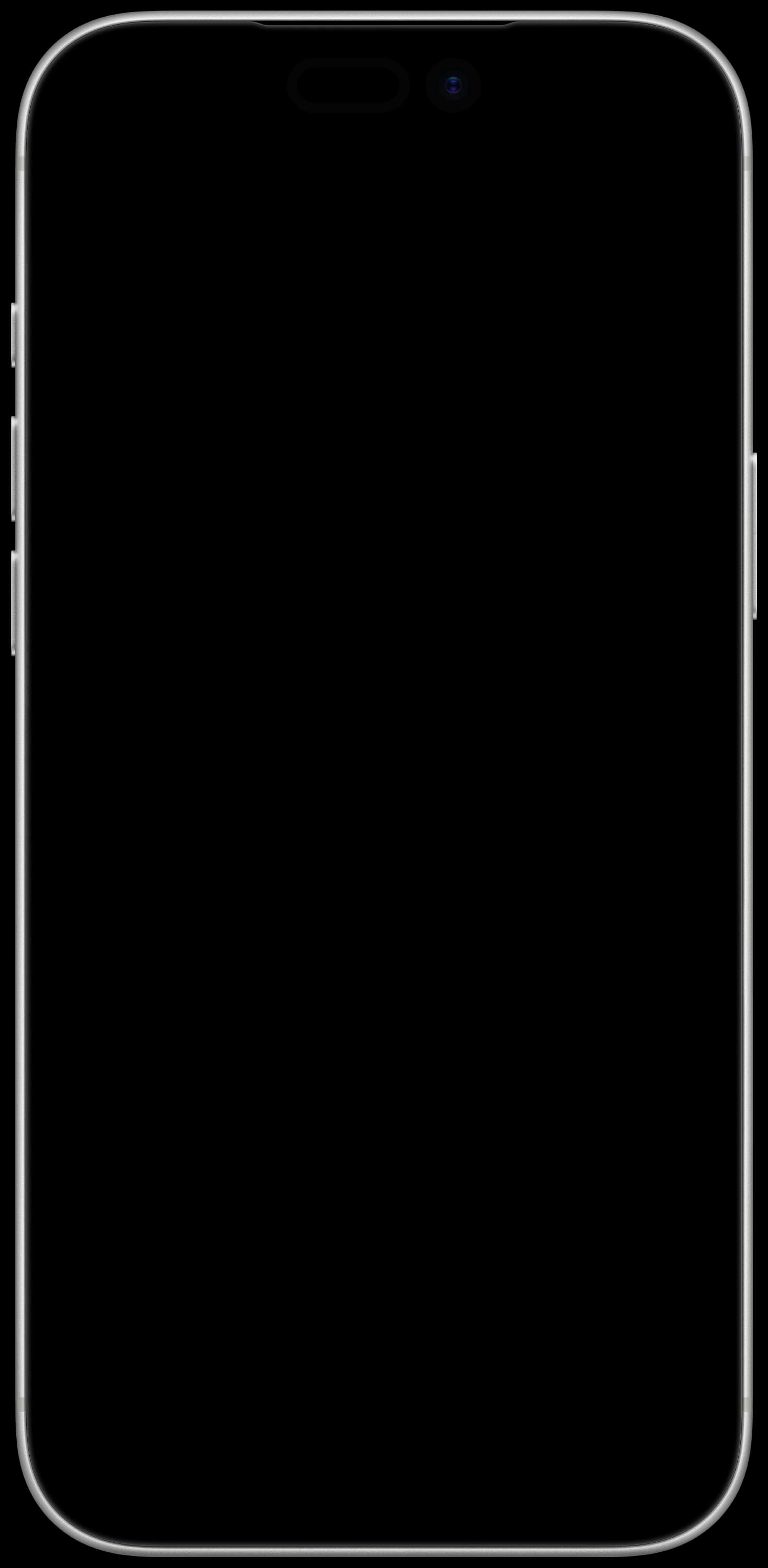
- iPhone Air1,260 × 2,736
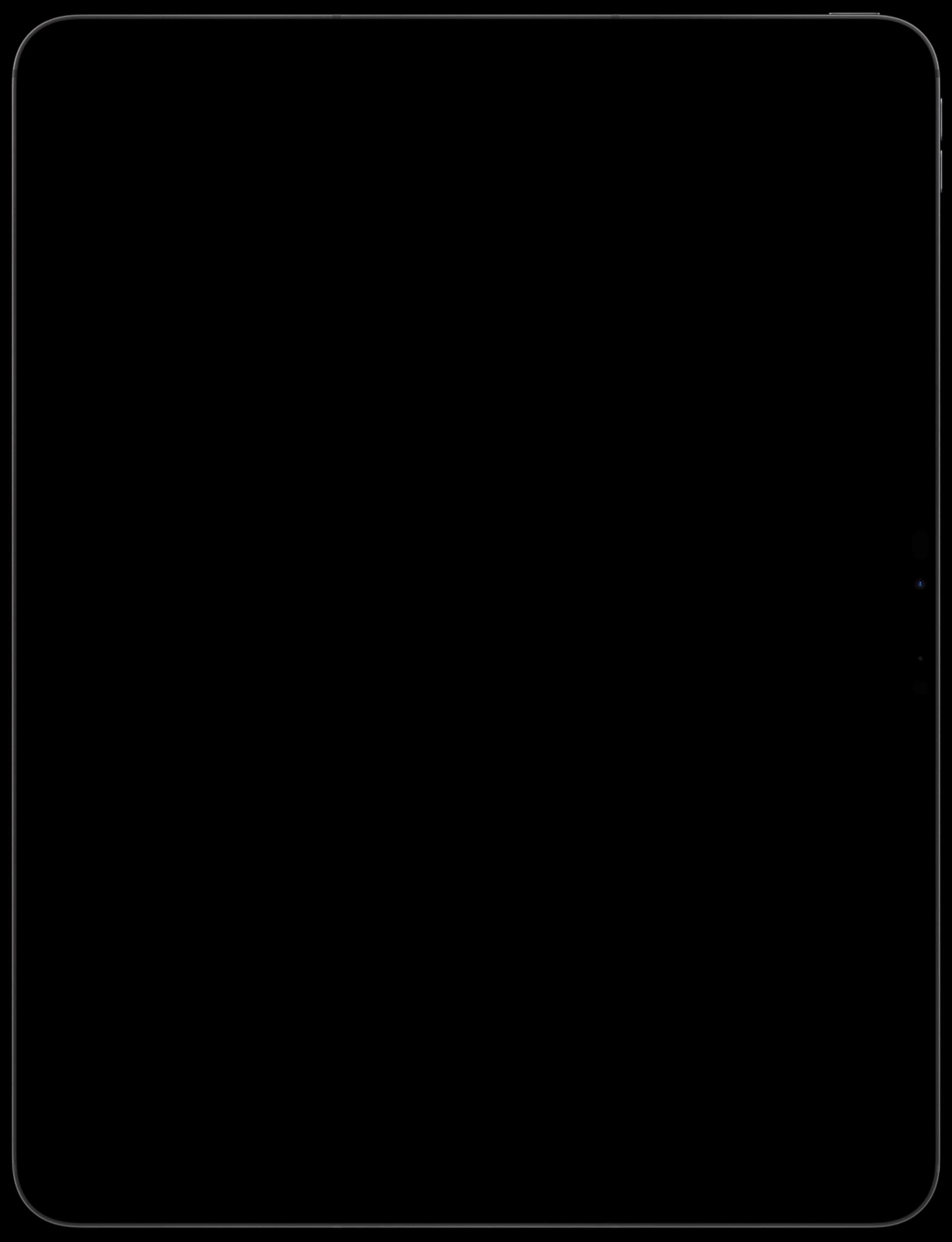
- iPad Pro 13″2,064 × 2,752
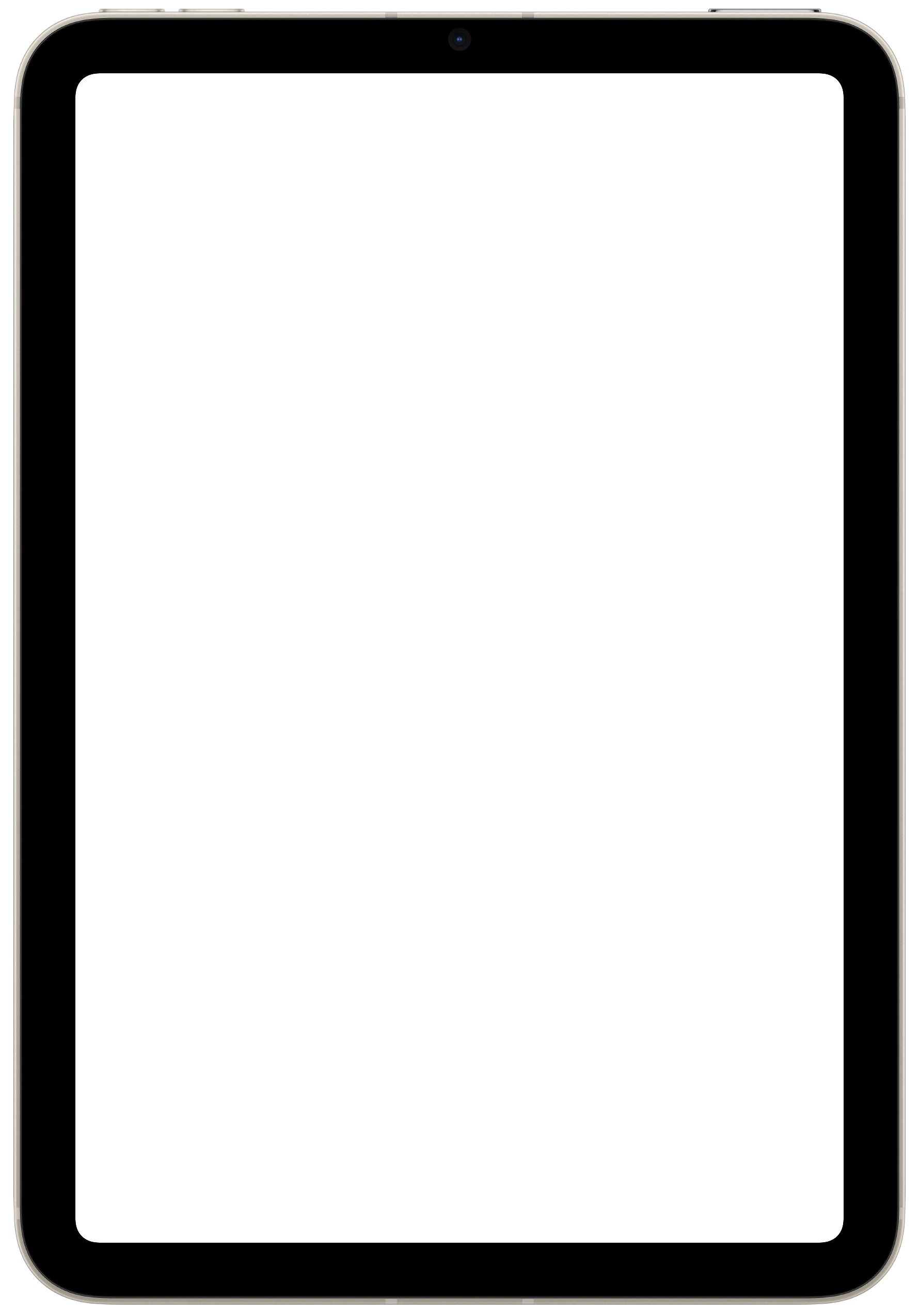
- iPad mini1,488 × 2,266
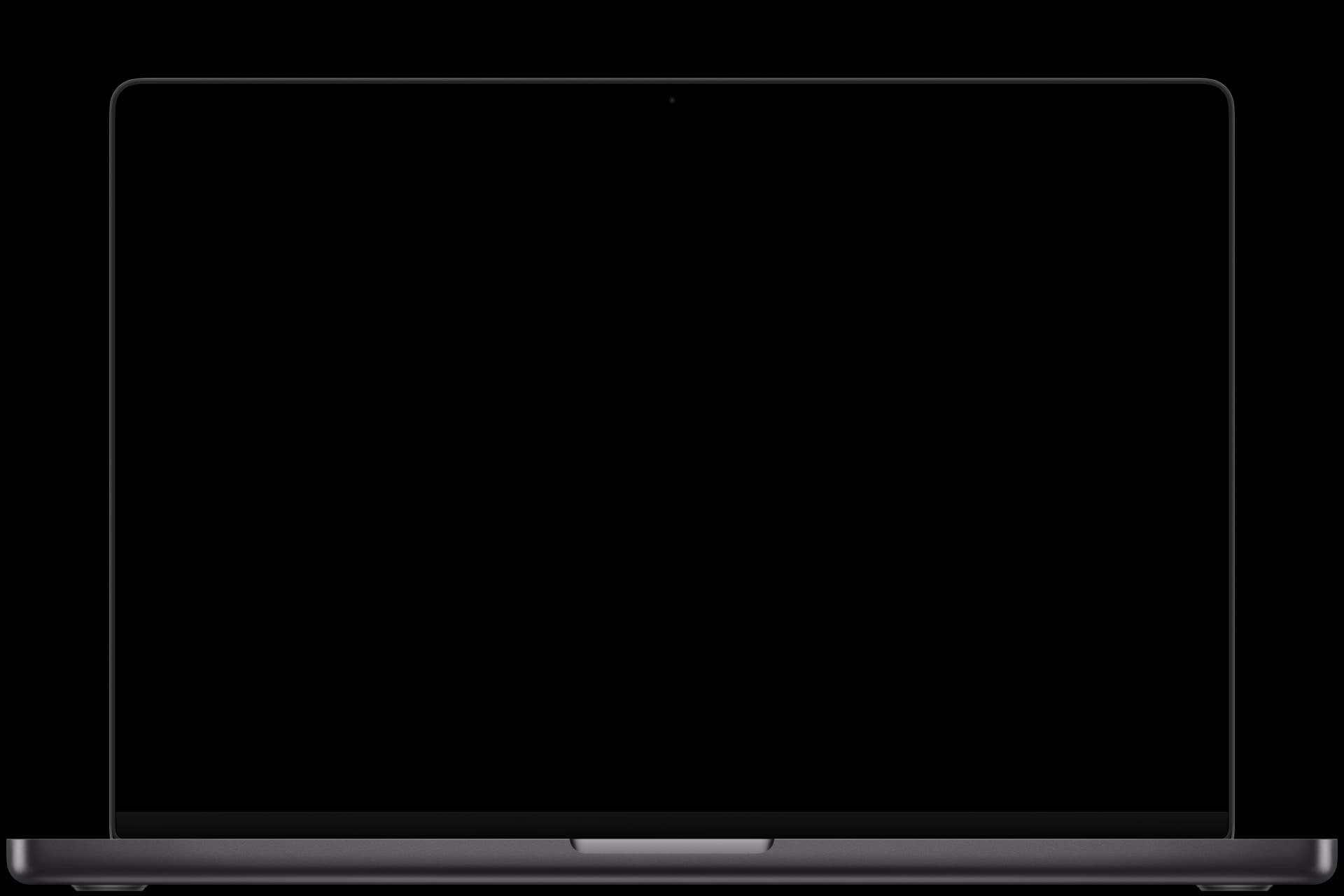
- MacBook Pro 16″3,456 × 2,234
- iMac 24″4,480 × 2,520
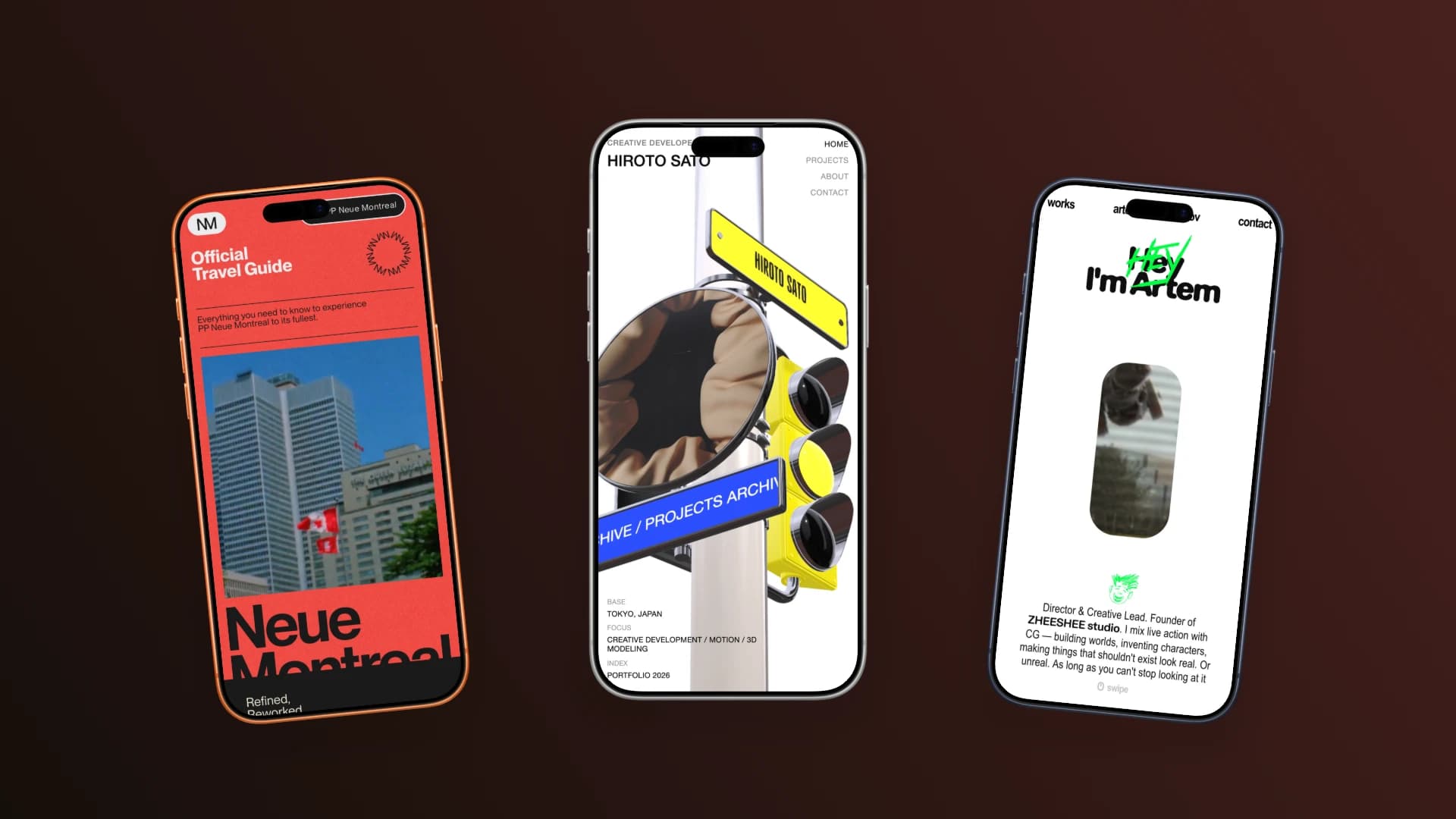
Pick the hardware, then pick its colour. Finishes match the real hardware, and switching one keeps everything else exactly where you put it.
Every dial shows its own number.
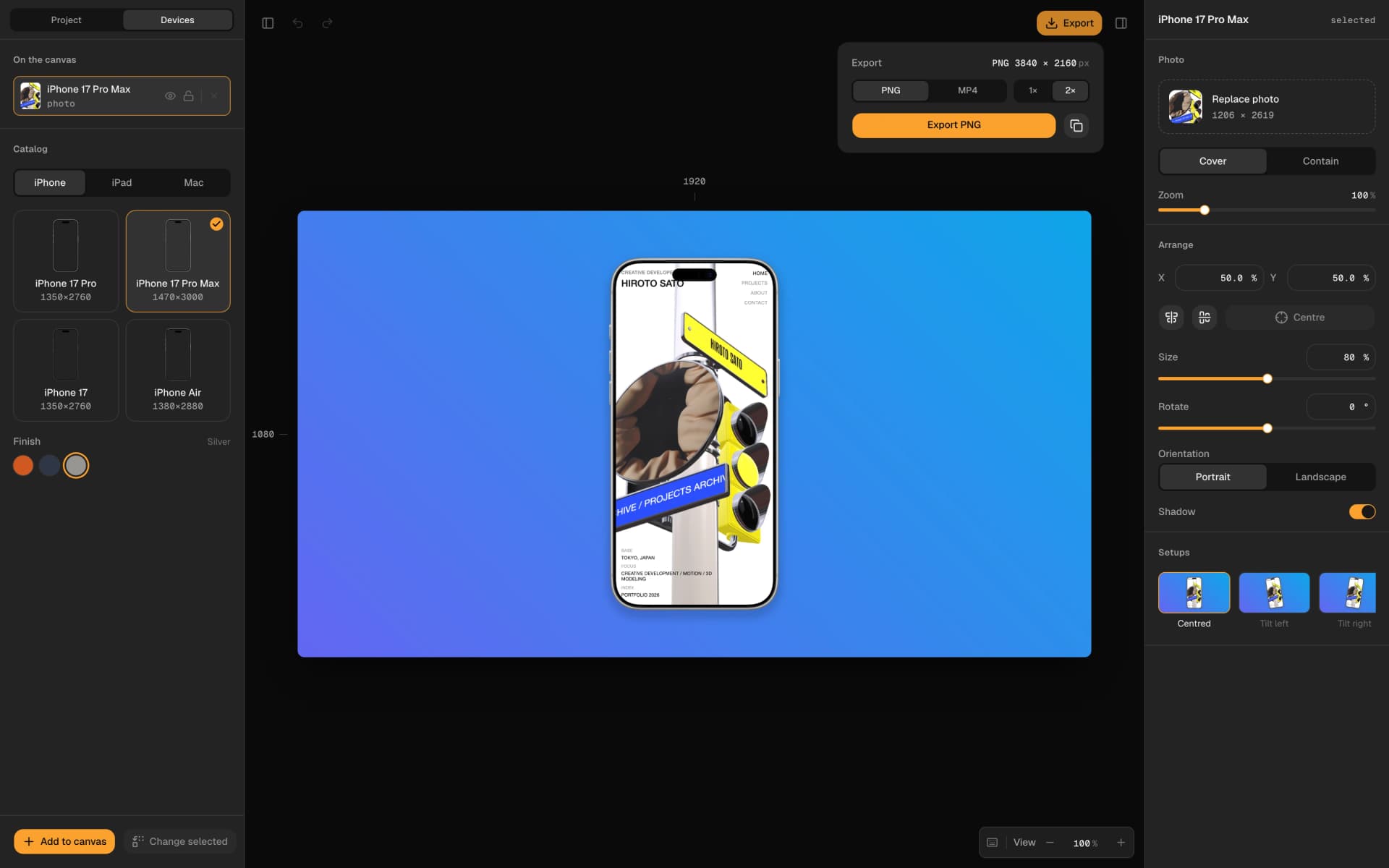
Size, rotation, placement and zoom each show a live value, the canvas calls out its own dimensions as you drag, and export tells you the exact pixel size before you press the button.
No surprises
Format, scale and exact output size, all stated before you press the button.
Multi-device
Up to eight devices on one canvas, each with its own screenshot and placement.
Store sizes
App Store and Play Store specs, the social ratios, or type your own dimensions.
Keyboard first
Every gesture has a keyboard equivalent, and every change can be undone.
A screen recording plays inside the frame.
Drop a recording instead of a screenshot and it plays inside the device, on a timeline with a filmstrip and a waveform. Trim it, then export an MP4 with the sound intact.
A screen recording, framed and exported as an MP4
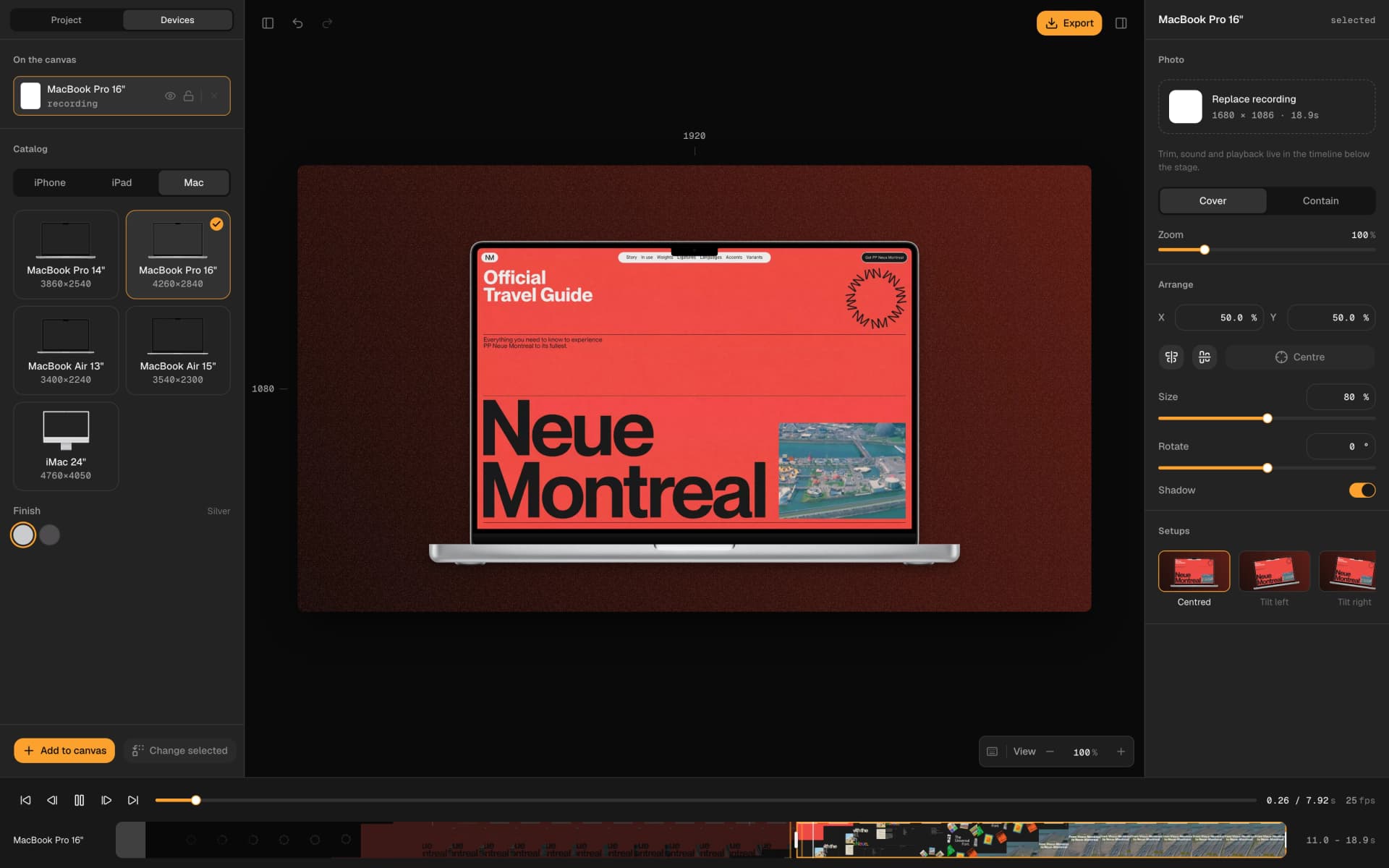
The same recording on the timeline, with its loading screen trimmed off
The file, at the size the store asked for.
Four exports at sizes people actually need, each captioned with its real dimensions.
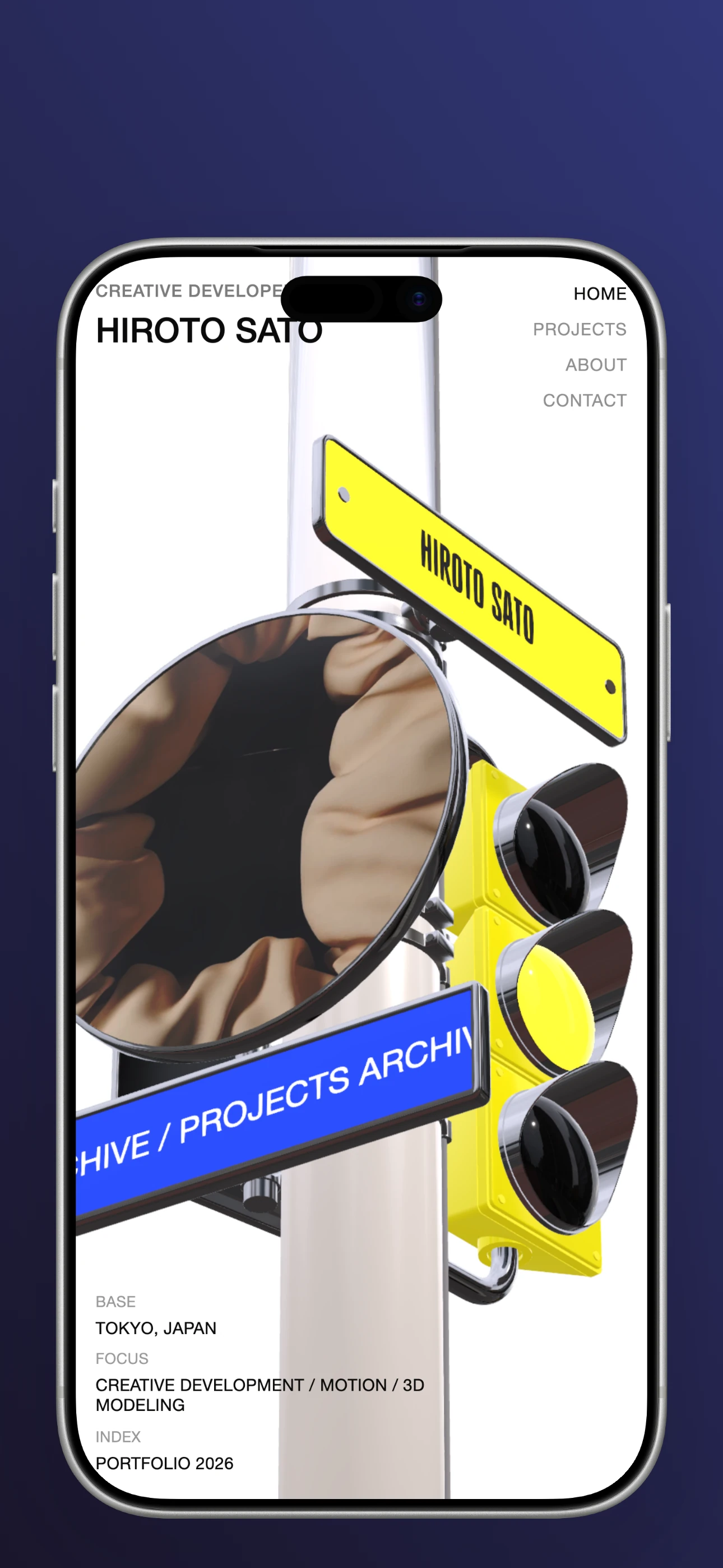
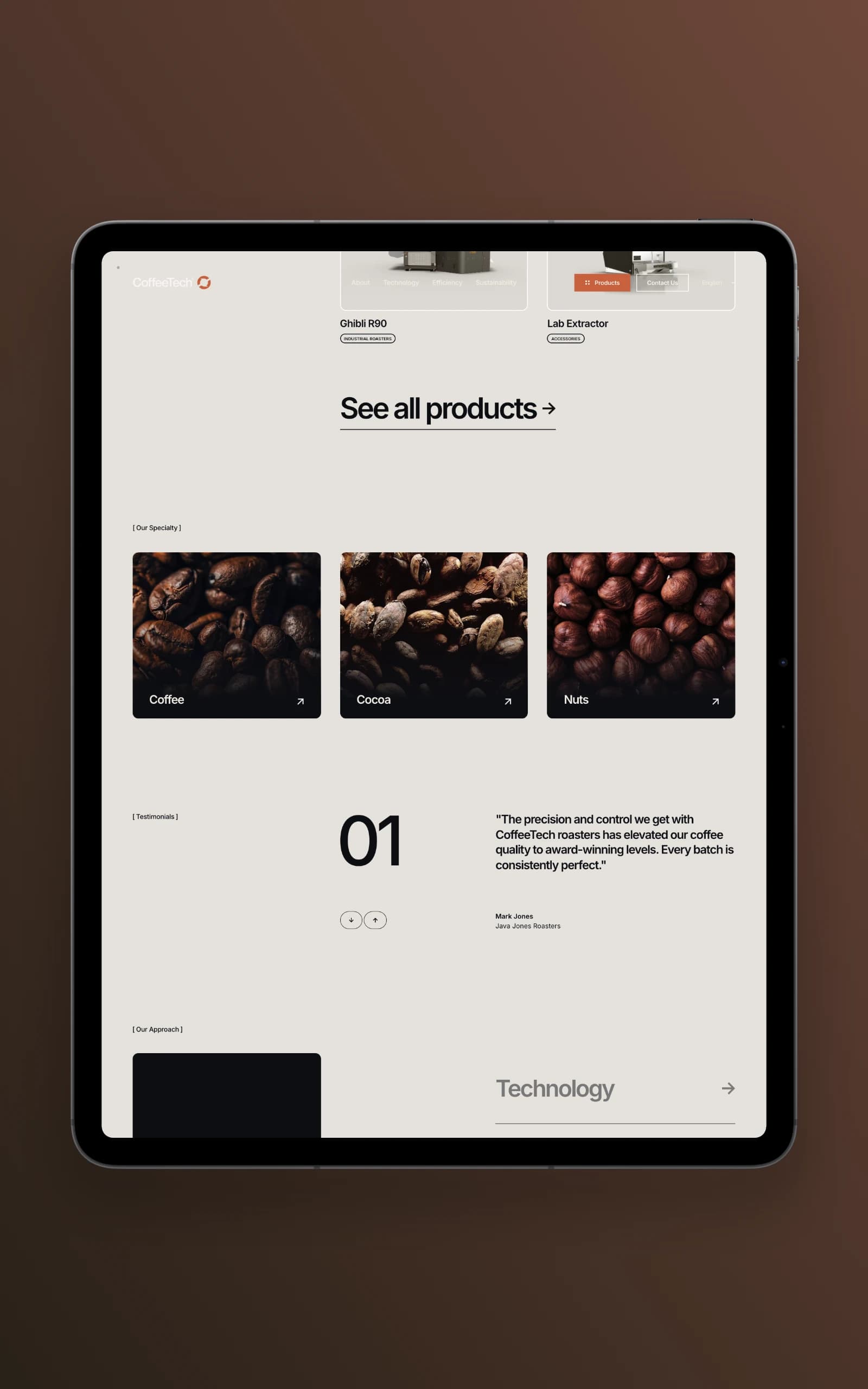
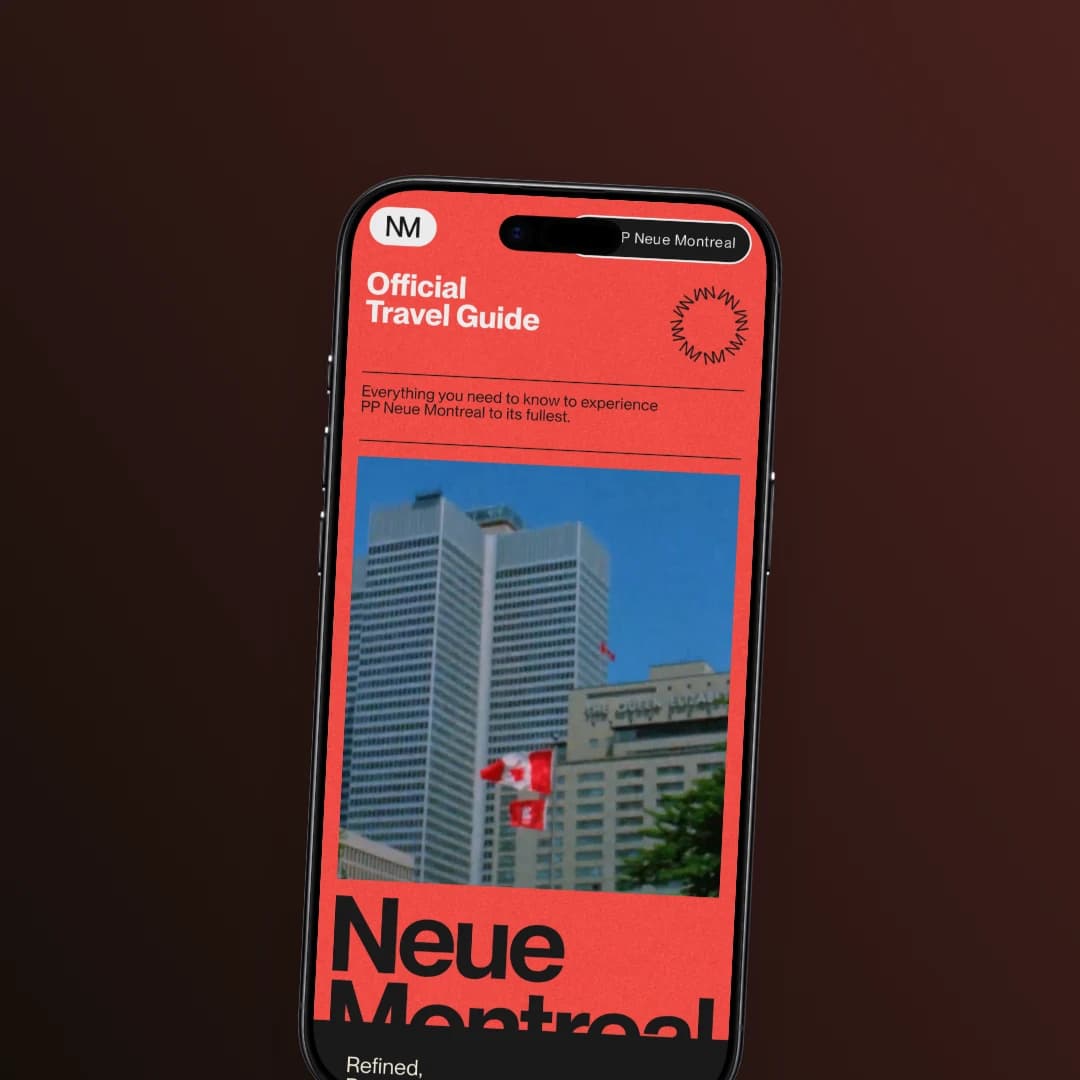
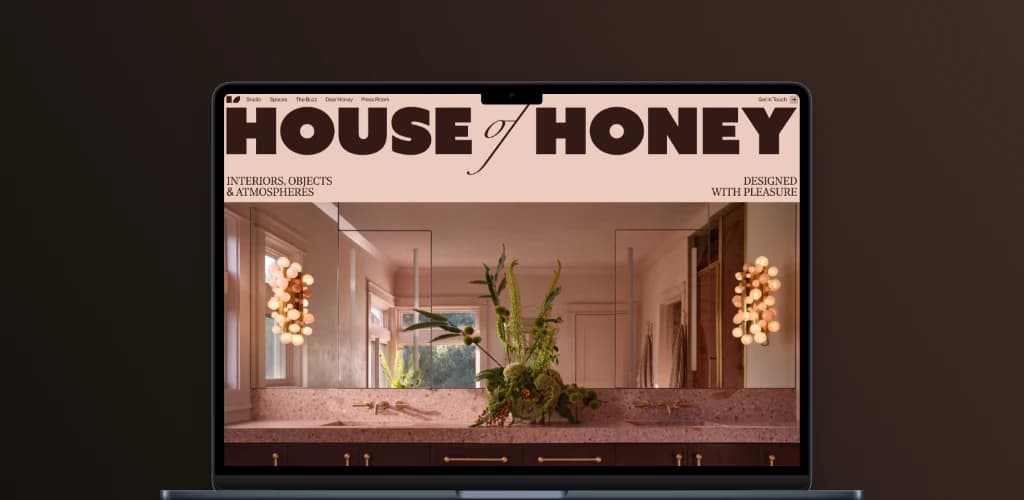
What you see is what you export.
The canvas you arrange and the file you download are drawn the same way, so the export cannot drift from the preview. No surprise crops, no shifted shadows, no colour that changes on the way out.
Judge it on screen. Get exactly that.
Nothing leaves your device.
Your screenshots and recordings are never uploaded. Everything happens in your browser, and your work stays on your computer even while you export.
Nothing uploaded. Nothing stored. Nothing shared.
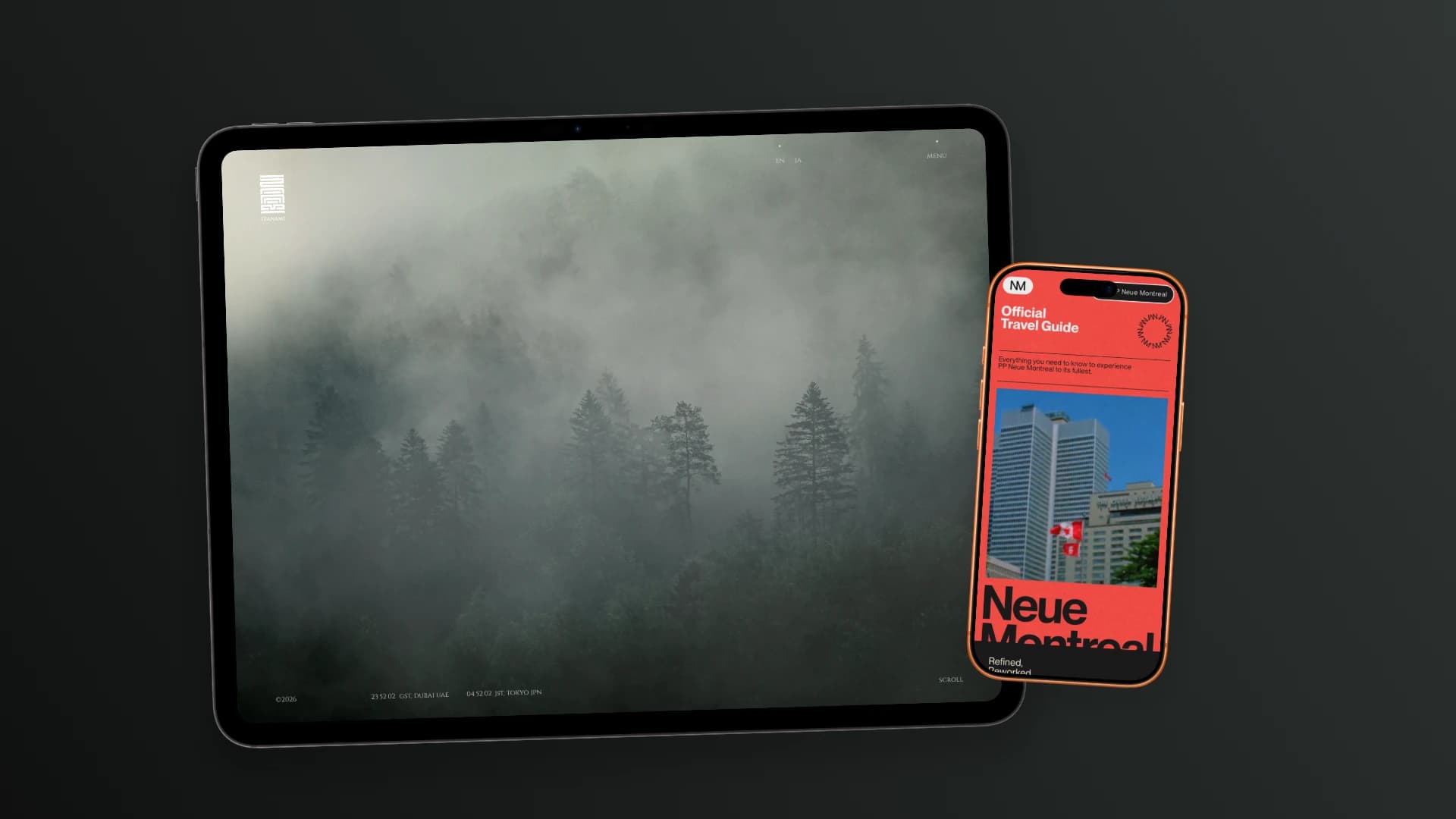
One canvas can hold a whole line-up.
Each device gets its own screenshot, placement, size and tilt. Drag them into place and export the whole arrangement as one image.
Free to use. $5 to own.
The editor is free and always will be. Lifetime unlocks the rest of it, once, for good.
| Free$0 | Lifetime$5once | |
|---|---|---|
| Both plans | ||
| Device frames | 89 | 89 |
| Devices on one canvas | 8 | 8 |
| PNG export | 1× and 2× | 1× and 2× |
| Store, social and custom canvas sizes | Included | Included |
| Backdrops, shadows and grain | Included | Included |
| Screen recordings, played and trimmed | Included | Included |
| Alignment guides, undo and keyboard control | Included | Included |
| No watermark, no time limit | Included | Included |
| MP4 export, with the sound kept | Not included | Included |
| Motion presets: rise, drift, tilt, zoom | Not included | Included |
| Open the editor | Get Lifetime for $5 once | |
Both plans need an account. The free one never asks for a card.
Before you spend anything.
Do I need an account?
Yes, and it is free. The editor is behind a sign-in so that a Lifetime purchase follows you between browsers and machines. An email and a password; nothing else is asked for.
Is my screenshot uploaded anywhere?
No. Every frame is composited and every file encoded in your own browser, so what you drop in never leaves the machine you dropped it on. That is also why the editor needs a secure (https) origin: the browser APIs doing the work are only available on one.
What does $5 actually buy?
MP4 export with the recording’s sound kept, and the motion presets. Everything else (all frames, every canvas size, PNG export at 1× and 2×, no watermark, no time limit) is in the free plan and stays there.
How many devices can share one canvas?
8. Each one keeps its own screenshot, finish, position and orientation.
Which browsers can export MP4?
The editor finds out by running a real two-frame encode when you open the export panel, rather than by asking the browser what it supports: some report encoders they cannot actually use. If yours can do it, the MP4 option is there; if it cannot, the option does not appear and PNG export is unaffected.
Is there a watermark or a time limit?
Neither, on either plan. A free export is the same file a paid one is, for every format the free plan includes.
Bring a screenshot. Leave with the file.
Nothing to install. Free to sign up, free to use.
Open the editor- Make an account
- Drop a screenshot
- Download the file